
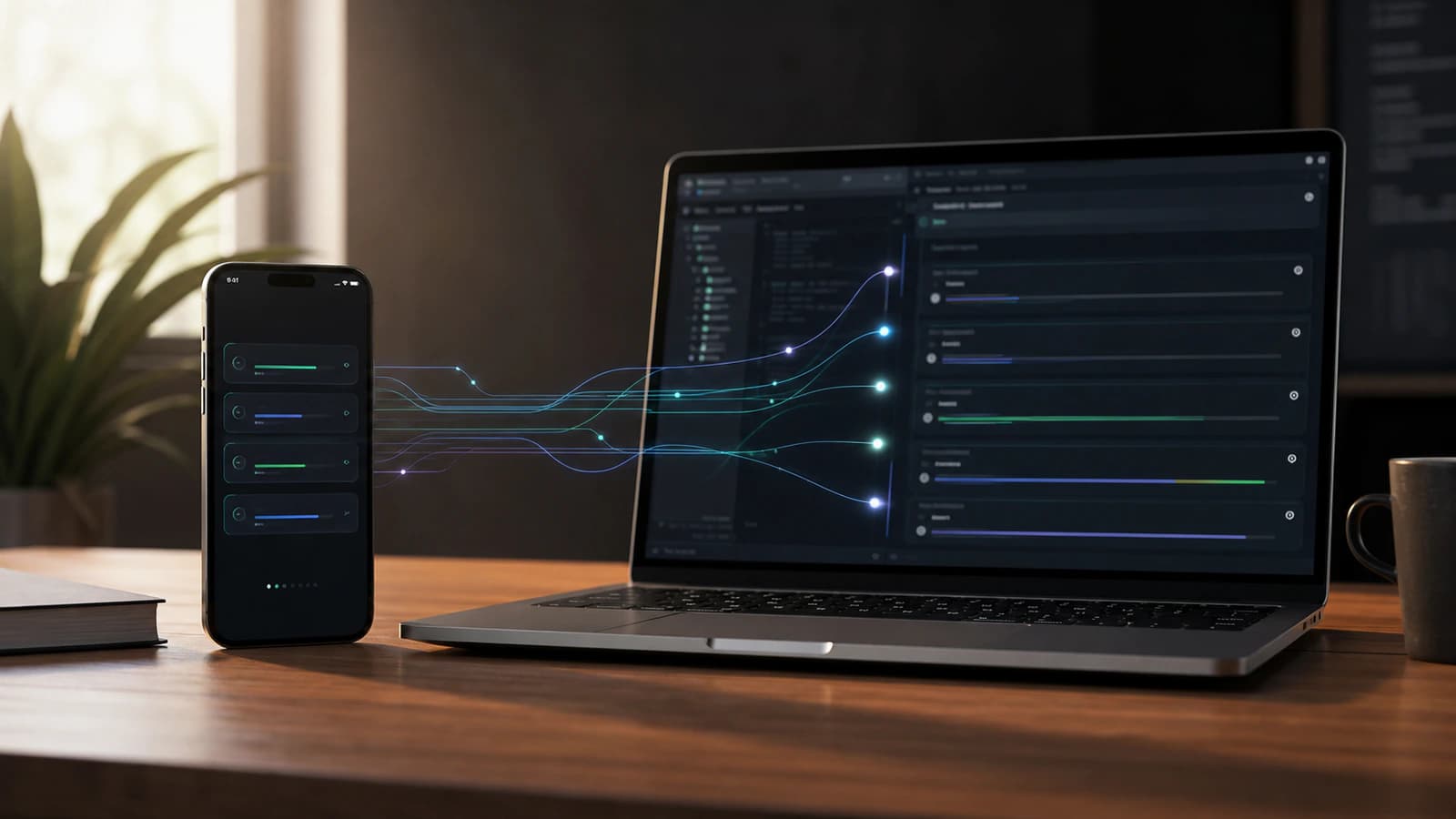
OpenAI has brought Codex remote access into the ChatGPT mobile app, and the headline is easy to misunderstand.
This is not really about turning your phone into a tiny IDE. Nobody sensible wants to review a gnarly refactor through a six-inch keyhole while standing in a coffee queue. The more interesting story is that Codex work can now stay connected to you when the next decision happens away from your desk.
Announced on 14 May 2026, Codex mobile is rolling out in preview on iOS and Android in supported regions. The feature lets users start or continue Codex threads, answer questions, approve actions, review outputs, and switch between connected hosts while Codex keeps running on the underlying host environment.
That sounds simple. It is not. It changes Codex from something you only supervise while sitting at the machine into something closer to an active work thread you can steer from wherever you are.
Quick Answer: What Codex mobile does
Codex mobile lets users supervise Codex work from the ChatGPT mobile app. You can start or continue threads, approve actions, answer questions, review outputs, inspect live context such as diffs and test results, and move between connected hosts while execution continues on the host machine.
OpenAI Codex mobile preview: what was announced
OpenAI says Codex is now available in preview inside the ChatGPT mobile app. The rollout covers iOS and Android across all plans, including Free and Go, in supported regions.
The basic idea is remote supervision. Codex keeps operating on the connected host, while the phone becomes a lightweight control surface. From mobile, you can send follow-up instructions, approve actions, review what Codex found, and keep a coding task moving when it would otherwise pause and wait for you.
There are a few important setup details. OpenAI says users should update both the ChatGPT mobile app and the Codex app on macOS. Mobile setup starts from the Codex app on the host and continues in ChatGPT after scanning a QR code. The host needs to stay awake, online, and running Codex for remote access to continue.
The small print matters here. OpenAI's current developer documentation says Codex mobile setup requires the Codex app for macOS, and that the Codex app for Windows does not yet support mobile setup. That is different from saying Codex itself is Mac-only: OpenAI has separately announced the Codex app on Windows. The mobile connection path is the part that is still macOS-hosted for now.
Key Codex mobile features in the ChatGPT app
The most useful way to understand Codex mobile is as a set of control features around long-running agent work.
Here are the core features OpenAI is putting into the mobile experience:
- Start new Codex threads from the phone.
- Continue existing Codex threads already running on the host.
- Answer Codex questions when a task needs clarification.
- Redirect the agent when the implementation path changes.
- Approve commands and other actions from mobile.
- Review outputs, diffs, test results, screenshots, and terminal output.
- Move between connected hosts and active threads.
- Receive attention prompts when Codex completes work or needs a decision.
That is a very different product shape from a mobile coding editor. The phone is not where the repo magically lives. It is where the next human judgement can happen.
How Codex mobile remote access works
The most important technical detail is that the phone does not become the development environment.
OpenAI's remote connections documentation says remote access uses the connected host's projects, threads, files, credentials, permissions, plugins, Computer Use, browser setup, and local tools. In plain English: the host still has the working environment, and the phone talks to Codex running there.
That distinction is the whole product.
The phone handles prompts, approvals, follow-up messages, and review moments. The host handles the actual work surface: files, shell commands, tools, plugins, browser context, screenshots, tests, and whatever project state Codex needs to operate safely.
This is why the feature is more powerful than a notification feed but less reckless than "run my whole development environment from my pocket". Codex mobile gives you reach. It does not remove the need for a trusted host.
Live Codex context: diffs, screenshots, tests, and terminal output
The killer feature is not that you can type into Codex from mobile. You could already type into plenty of things from mobile.
The useful part is the live context.
OpenAI says the mobile experience can surface project context, approvals, plugins, screenshots, terminal output, diffs, and test results from the machine where Codex is operating. That matters because approvals without evidence are just fancy guessing.
If Codex asks whether it should proceed with a change, the answer should depend on what it found. A screenshot can show whether a UI fix worked. A diff can show whether the change stayed inside the intended files. A test result can show whether the obvious thing broke. Terminal output can show whether the environment is doing what Codex thinks it is doing.
That evidence layer is what makes mobile supervision plausible. Without it, you are just poking buttons in the dark, which is rarely how great software happens.
Codex mobile availability and setup requirements
For now, the safest wording is this: Codex mobile is rolling out in preview in the ChatGPT mobile app on iOS and Android, across all plans including Free and Go, in supported regions.
To use it, OpenAI says you need:
- Codex access in the relevant ChatGPT account and workspace.
- The latest ChatGPT mobile app on iOS or Android.
- The latest Codex app running on a macOS host.
- The same account and workspace selected on both phone and host.
- The host awake, online, signed in, and running Codex.
Enterprise and Edu users may have additional workspace controls. OpenAI says mobile setup can require Remote Control access to be enabled by an admin, and may involve SSO, multi-factor authentication, or passkey steps.
That is not a minor footnote. In a work setting, Codex mobile is not just a personal convenience feature. It touches approval flows, host access, endpoint policy, and the question of who is allowed to steer agent work remotely.
Why Codex mobile matters for AI coding agents
The bigger shift is that AI coding is becoming less like a single prompt-response interaction and more like an operating rhythm.
Codex can work across files, run commands, inspect outputs, and continue longer tasks. The limiting factor is often no longer "can the model produce code?" It is "can the human give direction at the right moment?"
That is where mobile access matters.
An agent can be blocked for a surprisingly small reason. It needs approval to run a command. It has two possible implementation paths. It found a failing test and wants to know whether to fix the test or the code. It finished a first pass and needs you to review the diff before going further.
Before Codex mobile, those moments waited for you to return to the desk. Now, at least for lower-risk decisions, you can keep the thread moving.
This is the boring-sounding productivity gain that actually compounds: less idle time between agent progress and human judgement.
What Codex mobile is not
Codex mobile is not a replacement for deep desktop review.
It is not where you should approve a thousand-line production migration while half-reading the screen. It is not a reason to relax security controls. It is not magic permission to let an agent run loose because you can technically tap approve from anywhere.
The better mental model is triage, supervision, and unblock.
Use the phone for decisions that are clear, bounded, and supported by evidence. Approve a safe next step. Answer a clarification. Review a screenshot. Send Codex down one branch of an investigation. Ask for a cleaner diff. Tell it to stop and summarize.
Then save the heavier decisions for the big screen, a calm brain, and ideally a coffee that has not gone cold through neglect. We are pro-agents here, not pro-chaos.
How teams should use Codex mobile first
The teams that get the most from Codex mobile will not be the teams that approve everything faster. They will be the teams that design better checkpoints.
Start with tasks that have a clear outcome and low blast radius:
- Investigate why a test is failing and report the likely cause.
- Reproduce a UI bug and capture screenshots.
- Compare two implementation approaches before changing code.
- Draft a small patch and pause for review.
- Run a narrow test suite and summarize failures.
Then define what Codex should show before asking for a decision:
- A short summary of what it changed or found.
- The relevant diff.
- Test output.
- Screenshots for frontend work.
- Any assumptions or risks.
- The recommended next action.
That is the workflow sweet spot. Codex does the work. The host keeps the environment intact. The phone keeps the human close enough to steer without being chained to the chair.
Jason's take on Codex mobile features
The phrase "Codex mobile" sounds like the story is about screen size. I do not think it is.
The story is decision latency.
AI agents are getting better at doing longer pieces of work, but long work creates more handoff points. Someone has to set the goal, approve risk, inspect evidence, redirect when the path is wrong, and decide when the output is good enough.
Codex mobile makes those handoff points less fragile. That is useful. It also means teams need better habits. If your Codex tasks are vague, your approvals are sloppy, and your evidence is weak, mobile access will just help you make bad decisions from more places. Congratulations, you have invented portable chaos.
But if the work is structured well, this becomes genuinely powerful. The phone becomes the steering layer. The host remains the execution layer. Codex becomes less like a tool you open for a one-off request and more like a set of active threads you manage over time.
That is the real announcement hiding inside the mobile feature.
FAQ about Codex mobile
What is Codex mobile?
Codex mobile is OpenAI's preview experience for accessing Codex from the ChatGPT mobile app. It lets users supervise active Codex work from a phone while execution continues on a connected host.
Is Codex mobile available on iOS and Android?
OpenAI says Codex in the ChatGPT mobile app is rolling out in preview on iOS and Android across all plans, including Free and Go, in supported regions.
Does Codex mobile replace the IDE?
No. Codex mobile is better understood as a mobile control and review layer. The connected host still provides the project files, shell, tools, permissions, browser setup, and local development context.
What can you review from Codex mobile?
OpenAI says the mobile experience can show live context from the host, including approvals, screenshots, terminal output, diffs, test results, plugins, and project context.
Does Codex mobile work with Windows hosts?
OpenAI's current remote connections documentation says mobile setup requires the Codex app for macOS and that the Windows Codex app does not support mobile setup yet.
What is the best first workflow for Codex mobile?
Start with small, low-risk Codex tasks that produce clear evidence: bug investigations, screenshots, narrow test runs, small diffs, and summaries that pause for approval before broader changes.

About the author
Hi, I'm Jason Futrill.
I'm an tech professional and commentator exploring how intelligent systems are reshaping work, creativity, and society.
More about me