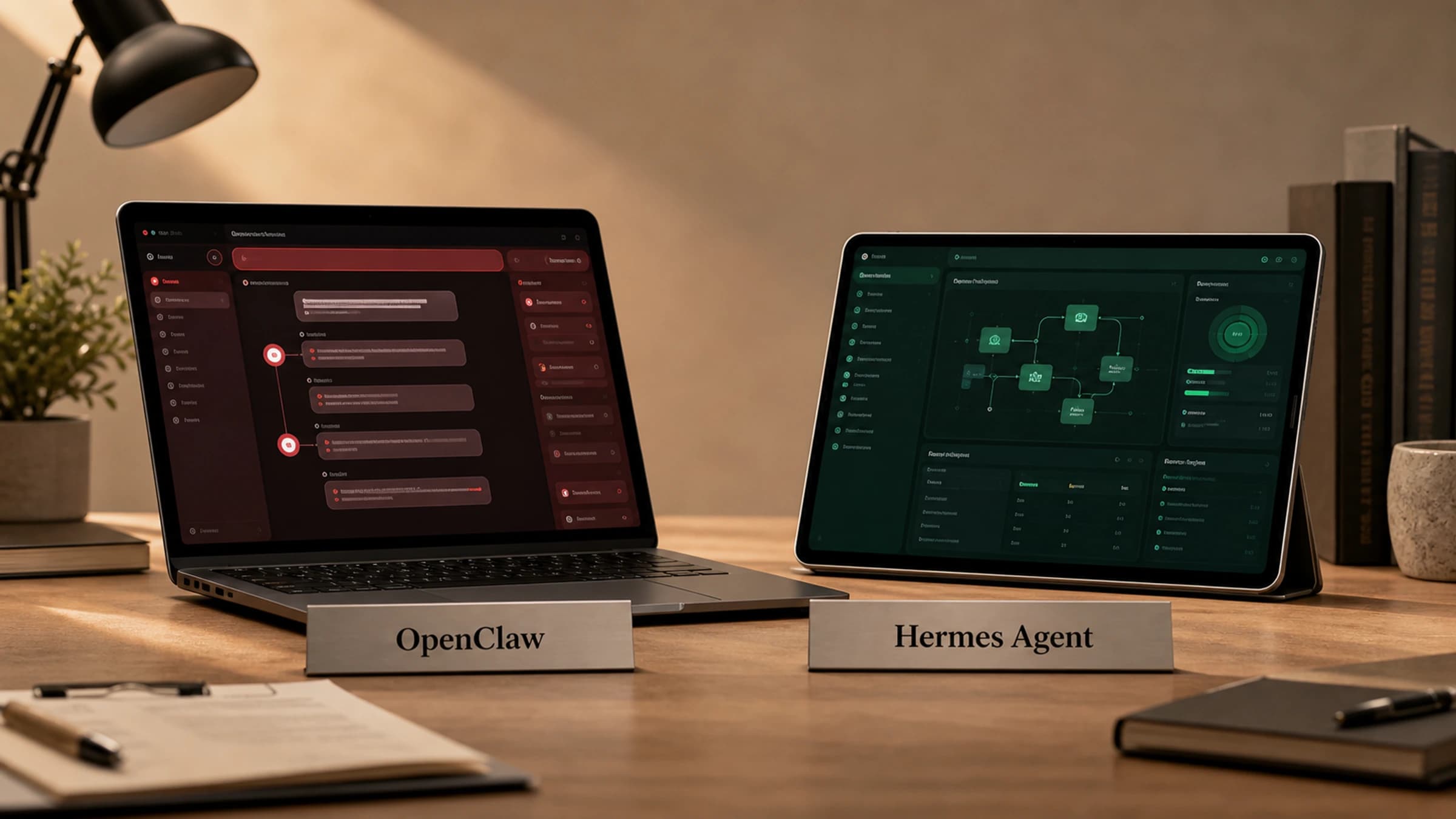
OpenClaw and Hermes are both open-source AI agent systems, but they are not trying to be the same product. OpenClaw is best understood as a self-hosted personal assistant gateway that connects chat apps, devices and coding agents. Hermes Agent is a self-improving agent framework built around persistent memory, reusable skills, model choice, scheduled work and multi-platform execution.
If you want one sentence: choose OpenClaw when your main goal is a personal, always-on assistant that lives in your existing chat channels; choose Hermes when your main goal is a programmable agent that learns your workflows, runs repeatable tasks and can be extended across providers, skills, cron jobs, MCP servers and messaging platforms.
The short version
| Question | OpenClaw | Hermes Agent |
|---|---|---|
| What is it mainly for? | A self-hosted personal AI assistant and gateway across chat apps and surfaces | A self-improving AI agent for development, research, automation and multi-platform work |
| Core design centre | Gateway-first, personal assistant, channel routing, nodes and agents | Skills, memory, provider flexibility, tool use, cron, profiles and extensibility |
| Best fit | People who want an assistant reachable from WhatsApp, Telegram, Slack or similar surfaces | Builders who want an agent that improves over time and can run complex workflows |
| Main technical feel | TypeScript, Node, gateway daemon, chat surfaces, plugin channels | Python, CLI/TUI, gateway, tools, skills, MCP, cron and provider routing |
| Strongest idea | One assistant reachable anywhere, with local control and channel plugins | The agent gets better through persistent memory and skills it can create and reuse |
Both projects sit in the same broad category: local or self-hostable AI agents that operate outside a single IDE window. The practical difference is emphasis. OpenClaw feels like a personal operating layer for messaging and assistant access. Hermes feels like an agent operating system for repeatable work.
Why this comparison matters
The AI agent category is getting crowded. Many tools now promise to connect a model to files, browsers, terminals, APIs and chat apps. That makes surface-level comparisons misleading. The real question is not simply “which one has more features?” It is:
- Where does the agent live?
- How does it remember things?
- How does it run unattended?
- How does it connect to other tools and models?
- Can it improve the way it handles your recurring work?
- How much operational complexity are you willing to own?
The important bit is that they solve different problems. OpenClaw presents itself as the assistant you can reach from WhatsApp, Telegram and other chat surfaces. Hermes feels more like a long-running work layer: memory, skills, scheduled automations, MCP support and provider choice are part of the core pitch, not extras.
What OpenClaw is
OpenClaw is a self-hosted personal AI assistant project. The way I read it, the Gateway is the centre of the system: it handles sessions, routing and channel connections, then ties built-in channels and plugins back to the agent, CLI, web control UI, desktop and mobile nodes.
In practical terms, OpenClaw is compelling if you think of your agent as something that should be reachable from the apps you already use. Instead of opening a specialist developer interface every time, you can treat the assistant as a background service that replies through chat surfaces.
The OpenClaw strengths that matter in practice are:
- self-hosted operation on your own hardware or server
- a Gateway-first architecture for sessions, routing and channel connections
- built-in and plugin-based channels, including common messaging platforms
- persistent memory and workspace across sessions
- skills and tool orchestration
- nodes for local browser, screen, camera or execution capabilities
- a TypeScript and Node-based development model
- an install path built around
npm install -g openclaw@latestorpnpm add -g openclaw@latest
OpenClaw has the easier first impression. You can look at it and quickly understand the promise: a self-hosted agent gateway that connects chat, tools and workflows in a familiar developer-friendly stack. That clarity is part of its appeal.
What Hermes Agent is
Hermes Agent is an open-source AI agent framework from Nous Research. I think of it less as a chatbot wrapper and more as a work system that can improve with use: it can keep memory, create skills from repeated work and carry useful context across sessions.
That matters because many agent systems remain stateless unless the user manually builds structure around them. Hermes makes memory and procedural reuse part of the core product. In its workflow, solving a hard problem can become a reusable skill. A correction from the user can become a persistent preference. A recurring job can become a cron task. A set of tools can be loaded through skills, MCP servers or toolsets.
The Hermes strengths that matter in practice are:
- persistent memory and user profile storage
- a skills system that turns reusable procedures into loadable agent capabilities
- CLI, TUI, dashboard and messaging-platform use
- a gateway for Telegram, Discord, Slack, WhatsApp, Signal, Email and other platforms
- model and provider flexibility across Nous Portal, OpenRouter, OpenAI-compatible endpoints and other providers
- scheduled automations through built-in cron
- MCP support for extended tool capabilities
- subagent delegation and parallel workstreams
- profiles for isolated configurations, skills and memories
- MIT-licensed open-source distribution
Hermes takes a different bet. It is not trying to win by being the simplest agent wrapper on GitHub. It is trying to be the layer that lets an agent remember, reuse procedures, schedule work, switch models and operate across tools without being rebuilt from scratch each time.
The practical difference
The clearest distinction is not “assistant versus agent”, because both can behave like assistants and both can call tools. The distinction is centre of gravity.
| Area | OpenClaw | Hermes Agent | Why it matters |
|---|---|---|---|
| Product centre | Personal assistant gateway | Self-improving agent framework | Determines whether the product feels more like a communications layer or a workflow engine |
| Architecture emphasis | Gateway, channels, nodes, chat surfaces | Skills, memory, providers, tools, cron, profiles | Shapes daily setup, debugging and extension work |
| Typical user mental model | “I want my assistant available wherever I chat” | “I want an agent that learns and executes repeatable work” | Helps teams pick based on the first use case |
| Extension model | Skills, channel plugins and nodes | Skills, plugins, MCP servers, toolsets and profiles | Both are extensible, but Hermes is more explicit about procedural skill reuse |
| Memory model | Persistent memory and workspace are part of the product story | Built-in memory plus external memory providers and skill persistence | Hermes puts memory governance closer to the agent loop |
| Scheduling | OpenClaw can be wrapped with external automation patterns | Built-in cron jobs with skills, profiles, scripts, delivery and provider fallback | Hermes makes scheduled work feel more integrated |
| Messaging | Core to the product identity | Supported through the Hermes gateway | OpenClaw leads with messaging; Hermes treats it as one surface among many |
That difference should guide the decision more than a checklist of features.
Setup and operating model
OpenClaw’s install path is Node-first. In practice, you are looking at Node 24 or Node 22.19+, a global npm or pnpm install, then openclaw onboard --install-daemon. That creates the Gateway daemon, so the assistant can keep running as a service rather than only existing inside a one-off terminal session.
Hermes’ setup feels more agent-runtime-first: install Hermes, choose a model provider, get a clean session working, then add gateway, cron, skills, voice, MCP or routing when you need them.
| Setup dimension | OpenClaw | Hermes Agent |
|---|---|---|
| Runtime feel | Node and TypeScript ecosystem | Python CLI and agent runtime |
| First durable process | Gateway daemon | CLI first, then optional gateway service |
| Best first milestone | A reachable assistant through your chosen channels | A working agent session with the right provider and tools |
| Operational mindset | Keep the gateway available, then connect channels and nodes | Start with model/tool correctness, then add memory, skills, cron and messaging |
For a non-technical user, neither project is “just install an app and forget it”. Both are infrastructure. OpenClaw may feel more direct if the desired outcome is “message my assistant from everywhere”. Hermes may feel more direct if the desired outcome is “give an agent jobs and have it improve at my specific workflows”.
Memory and learning
Memory is where Hermes makes the strongest case to me. It has built-in memory and user-profile storage, plus optional external memory providers such as Honcho, OpenViking, Mem0, Hindsight, Holographic, RetainDB, ByteRover and Supermemory. The important point is not just the list of backends. It is that memory management is treated as part of the agent’s operating model, with controls around what gets stored.
Hermes also treats skills as procedural memory. If it solves a task through a multi-step workflow, that workflow can be captured as a skill and reused later. This is not just “remembering facts”. It is remembering how to do things.
OpenClaw also has persistent memory and workspace across sessions, including workspace files, memory files and skills. There is a strong continuity story there, especially for a personal assistant. The difference is that Hermes makes the skill-learning loop the headline feature, while OpenClaw presents memory as one part of a broader gateway and assistant architecture.
| Memory question | Better fit |
|---|---|
| “I want my assistant to keep context across messaging sessions” | OpenClaw or Hermes |
| “I want the agent to convert hard-won procedures into reusable skills” | Hermes |
| “I want memory plus multiple external memory backends” | Hermes |
| “I want one personal workspace for my gateway assistant” | OpenClaw |
Messaging and gateway capabilities
OpenClaw is highly messaging-oriented. Its gateway model connects built-in channels and external channel plugins such as Discord, Google Chat, iMessage, Matrix, Microsoft Teams, Signal, Slack, Telegram, WhatsApp, Zalo and more. This is not a side feature. It is the product’s organising layer.
Hermes also has a gateway, but I read it differently. It connects platforms, keeps sessions running, handles scheduled work and delivers messages, while the wider Hermes system still revolves around skills, memory and tools. OpenClaw’s gateway is closer to the centre of the product; Hermes’ gateway is one surface for a broader agent framework.
If your main requirement is “my agent should live in messaging”, OpenClaw deserves serious attention. If your requirement is “my agent should run from CLI, Telegram, cron, subagents and project-specific skills with the same underlying workflow”, Hermes is likely the stronger fit.
Skills, tools and extensibility
Both systems use the idea of skills. That is important because agent quality usually comes less from a single prompt and more from packaged know-how: what commands to run, what files to inspect, what pitfalls to avoid and what counts as verification.
Hermes’ skill system is especially formalised. Installed skills can become slash commands across the CLI and connected messaging platforms. Skills can declare required environment variables, ship references, scripts and templates, and be loaded before scheduled jobs. This makes skills useful for content workflows, GitHub operations, media generation, research, DevOps, smart home control and many other domains.
OpenClaw’s skill model also includes metadata gates, required binaries and workspace-level customisation. It can gate macOS-only skills by OS and required binaries, then refresh the skills snapshot in a new session. That is useful for a cross-device assistant where not every node can do every action.
| Extensibility area | OpenClaw | Hermes Agent |
|---|---|---|
| Skills | Yes, with metadata, workspace customisation and OS or binary eligibility | Yes, with installable skills, slash-command dispatch, scripts, templates and references |
| Plugins | Channel plugins are central | Plugins, MCP servers and toolsets extend the agent |
| Tool routing | Gateway and agents coordinate access | Toolsets, skills, MCP and provider-aware agents coordinate access |
| Best extension use case | Add channels, devices and assistant abilities | Encode repeatable workflows and integrate external tools |
Model and provider flexibility
Hermes is more explicit about provider abstraction. The practical benefit is that you can use OpenAI-compatible endpoints, Nous Portal, OpenRouter, OpenAI and other providers without treating the workflow layer as disposable. Conversation history, memory and skills are meant to carry across provider choices.
For technical teams, this matters. Provider flexibility lets a team swap models for cost, latency, quality or privacy reasons without throwing away the workflow layer. It also supports fallback patterns for scheduled tasks and credential pools.
OpenClaw seems less focused on provider comparison and more focused on the assistant gateway experience. That does not mean it cannot use multiple models or agent backends. It just makes Hermes the clearer pick if model-provider portability is one of your top requirements.
Scheduled and unattended work
Hermes has the clearer built-in scheduling story. Its cron system can load skills, run scripts, chain context from other jobs, execute under profiles, deliver to platforms and use provider fallback or credential rotation. For me, that makes unattended work feel like a first-class capability rather than something bolted on afterwards.
OpenClaw can still fit automation-heavy users, especially if you are comfortable wrapping agent runs with external cron or systemd patterns. I would just treat that as a more operator-led approach than Hermes’ integrated cron model.
| Scheduled work need | Better fit |
|---|---|
| Daily briefing delivered to Telegram | Hermes |
| Gateway assistant reachable at all times | OpenClaw |
| Multi-stage collect, filter, format and deliver pipelines | Hermes |
| External systemd or cron wrapping of agent runs | OpenClaw can fit if you are comfortable operating it |
Security, privacy and control
Both projects are attractive partly because they are self-hostable and open source. That gives teams more control than a purely hosted assistant. But self-hosting does not automatically make an agent safe.
The real operational risks are:
- broad tool permissions across files, browsers, terminals and messaging
- secrets accidentally entering memory or logs
- unsafe actions triggered from chat channels
- unclear approval boundaries for destructive commands
- stale skills or plugins that no longer match the environment
- channel exposure, especially if an assistant can act from DMs or group chats
Hermes has explicit memory-security and configuration concepts around tools, profiles, credentials and gateway access. OpenClaw also has to care about access boundaries because it connects to real messaging surfaces, including DMs. In both cases, serious users should treat the agent as privileged automation, not a harmless chatbot.
For teams, the safest starting position is narrow: one workspace, one model provider, one or two trusted channels, explicit command approvals and limited tools. Expand only after you have logs, rollback habits and source-of-truth documentation.
Cost and licensing
Licensing needs a careful read before anyone builds on either project commercially. Hermes is MIT-licensed. OpenClaw presents itself as open source and MIT licensed, although the GitHub API metadata I checked did not return a clean SPDX licence value for the repo. My view is simple: do not make licensing a vibe check. Read the licence file before using either in production.
The larger cost question is model and infrastructure usage. Both tools may be open source, but running agents still costs money through:
- model API calls or subscription access
- VPS or local hardware uptime
- external tools such as browser automation, search, speech or image generation
- time spent configuring channels, credentials, skills and permissions
- operational risk if an agent acts incorrectly
On budget, I would not stop at the licence. Hermes has a clearer provider-choice story, while OpenClaw is more focused on self-hosted assistant access. The real cost will come from the model provider, the channels you connect, the uptime you need and how much unattended work you expect the agent to run.
Choose OpenClaw if...
OpenClaw is the better starting point if most of these sound like you:
- You want a personal AI assistant that is reachable from messaging apps.
- You care about a Gateway-first design with channels and nodes.
- You are comfortable with Node, TypeScript and daemon-style operation.
- You want to connect chat surfaces, local nodes and assistant behaviours around one personal workspace.
- Your use case feels like “my always-on assistant” more than “my workflow execution framework”.
- You value OpenClaw’s fast-moving ecosystem and large public repository attention.
A good OpenClaw use case might be: a founder who wants an assistant in Telegram and WhatsApp that can monitor tasks, respond through chat, interact with local devices and gradually become a personal operations layer.
Choose Hermes Agent if...
Hermes is the better starting point if most of these sound like you:
- You want an agent that captures reusable procedures as skills.
- You care about persistent memory, user preferences and project-specific workflows.
- You want provider flexibility across multiple LLM backends.
- You want scheduled automations with platform delivery.
- You need MCP, profiles, subagents, toolsets or script-backed cron jobs.
- You are building workflows for development, research, content, DevOps or repeated operational tasks.
- You want the same agent to work from CLI, messaging platforms and autonomous schedules.
A good Hermes use case might be: a technical team that wants an agent to triage GitHub issues, draft content packages, run tests, remember project conventions, schedule reports and improve its own workflow documentation after each hard task.
Where both projects still need caution
Neither OpenClaw nor Hermes should be evaluated only by screenshots or feature claims. Agent systems are only as good as their real behaviour under your own permissions, files, tools and model choices.
Before committing, run a small pilot:
| Test | What to look for |
|---|---|
| Install and first task | How quickly can you reach a working agent without brittle setup? |
| Channel test | Does the assistant behave safely from your chosen messaging app? |
| Memory test | Does it remember useful facts without storing junk or secrets? |
| Tool test | Can it use files, browser, shell or APIs with clear verification? |
| Recovery test | What happens after a crash, restart, failed command or bad tool result? |
| Governance test | Can you restrict who can trigger actions and what tools are available? |
The best agent for you is the one that survives those tests with the least special pleading.
OpenClaw vs Hermes: the recommendation
For personal assistant access across chat apps, OpenClaw is the more natural choice. Its Gateway-first architecture, channel focus and personal-assistant positioning make it easier to understand as an always-on companion that meets you where you already communicate.
For repeatable technical work, Hermes Agent is the stronger choice. Its centre of gravity is not just access, but accumulated capability: memory, skills, model portability, scheduled automations, MCP, profiles and tool-driven verification. If you want an agent that becomes more useful the longer it works with you, Hermes has the clearer product architecture.
The most honest comparison is this: OpenClaw wants to be your personal AI assistant everywhere. Hermes wants to be the agent that learns how you work. Those are overlapping ideas, but they lead to different decisions.
FAQ
Is OpenClaw the same kind of tool as Hermes?
They overlap, but they are not identical. Both are open-source AI agent systems with messaging and tool-use ambitions. OpenClaw is more Gateway-first and personal-assistant-oriented. Hermes is more skill, memory, provider and workflow oriented.
Which is better for developers?
Hermes is usually the better fit for developers who want repeatable workflows, skills, MCP, scheduled jobs and provider flexibility. OpenClaw can still suit developers who mainly want an always-on assistant reachable from chat apps and local nodes.
Which is better for non-technical users?
OpenClaw may be easier to explain to a non-technical user because the product idea is “your assistant in your chat apps”. However, both tools still require technical setup and careful permission management.
Which has better memory?
Hermes has the stronger memory and learning architecture, especially if you care about built-in memory, external memory providers and procedural skills. OpenClaw also has persistent memory and workspace, but its wider product story is more about assistant access and gateway control.
Can both run through messaging platforms?
Yes. OpenClaw puts messaging and channel plugins at the centre of the product. Hermes supports messaging through its gateway while also supporting CLI, TUI, scheduled tasks and other execution paths.
Which should I try first?
Try OpenClaw first if your desired first demo is messaging your own assistant from Telegram, WhatsApp or Slack. Try Hermes first if your desired first demo is giving an agent a real workflow, then having it remember the process and reuse it later.

About the author
Hi, I'm Jason Futrill.
I'm an tech professional and commentator exploring how intelligent systems are reshaping work, creativity, and society.
More about me